 Hold State
The central hub for AI creative work.
Keep your creative projects together. Work in the AI and creative tools you already use, or generate directly in Hold State. Your files, prompts, iterations, decisions, Canon and Deliverables stay connected to the same project.
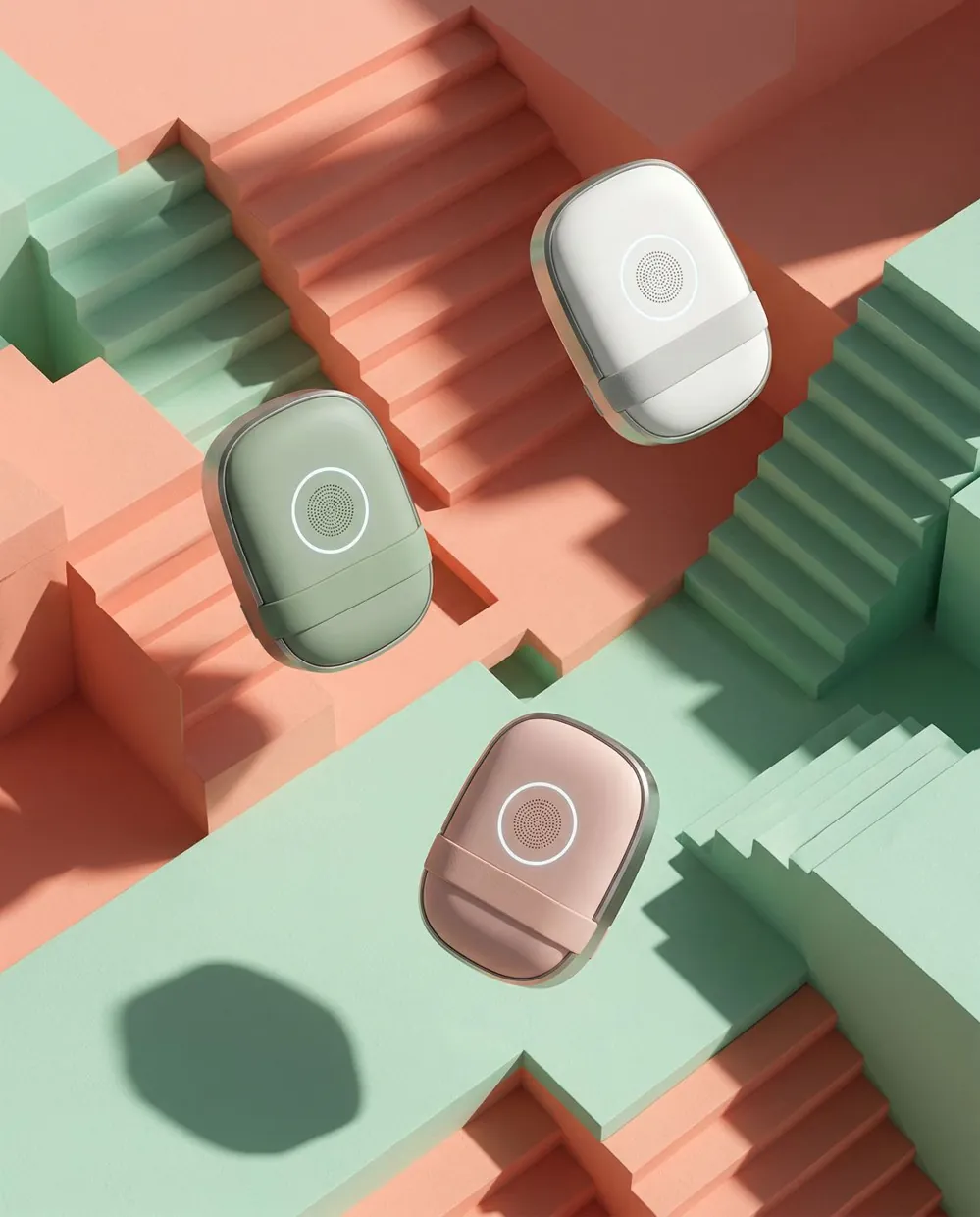
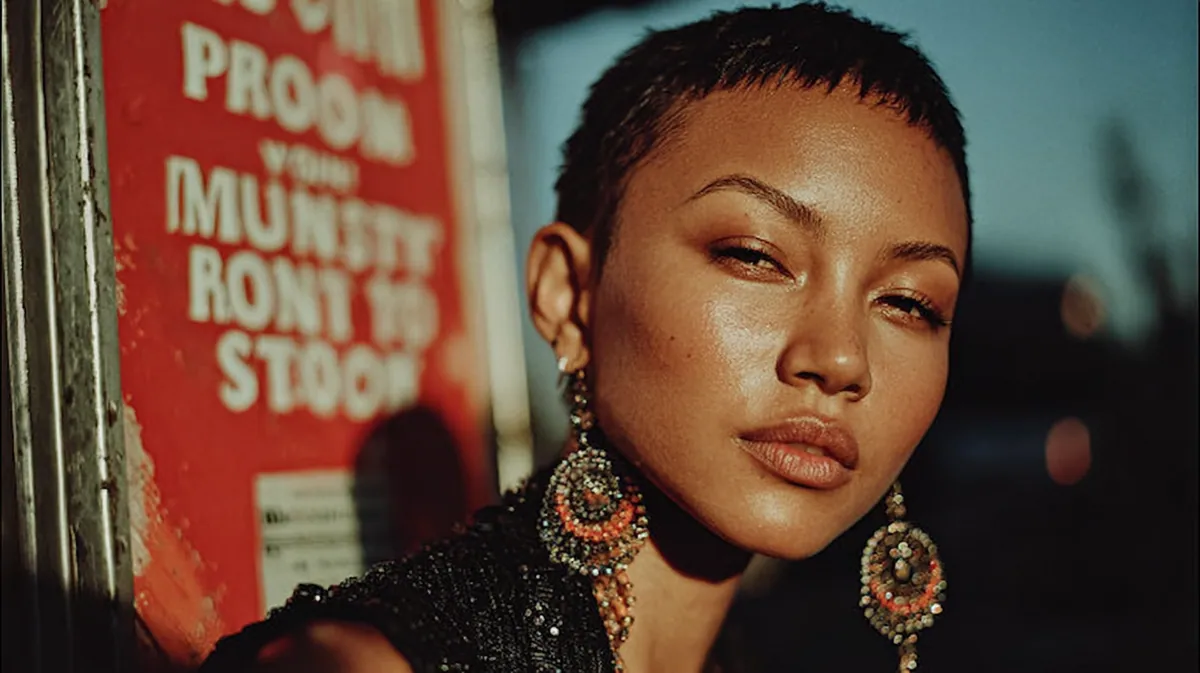

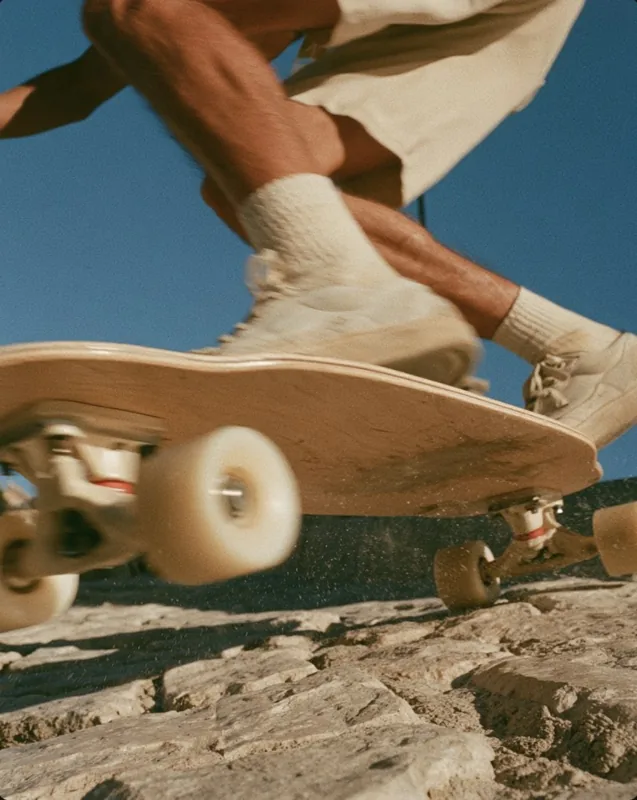
Save the work. Hold State retains the prompt, tool and timestamp.
Choose the folders Hold State watches. Save an image or video the way you normally do, and it comes back into the project with the prompt, source tool and timestamp attached.
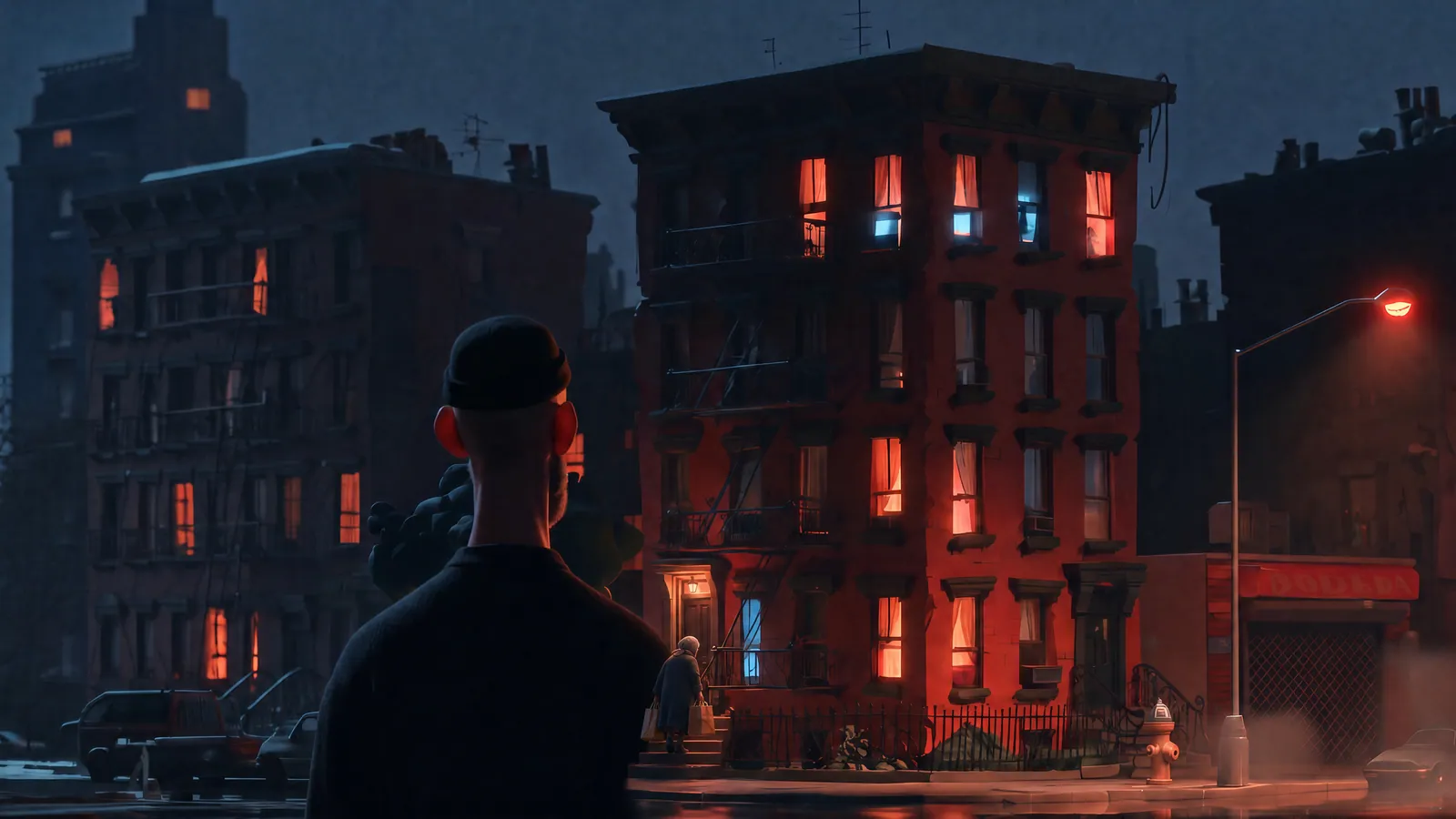
Generate in Hold State or bring work in from anywhere.
Generate images and video inside the project through Higgsfield, or keep using the AI and creative tools you already prefer.
Either way, the work joins the same project.


 ♥ CoverTake 2 · markup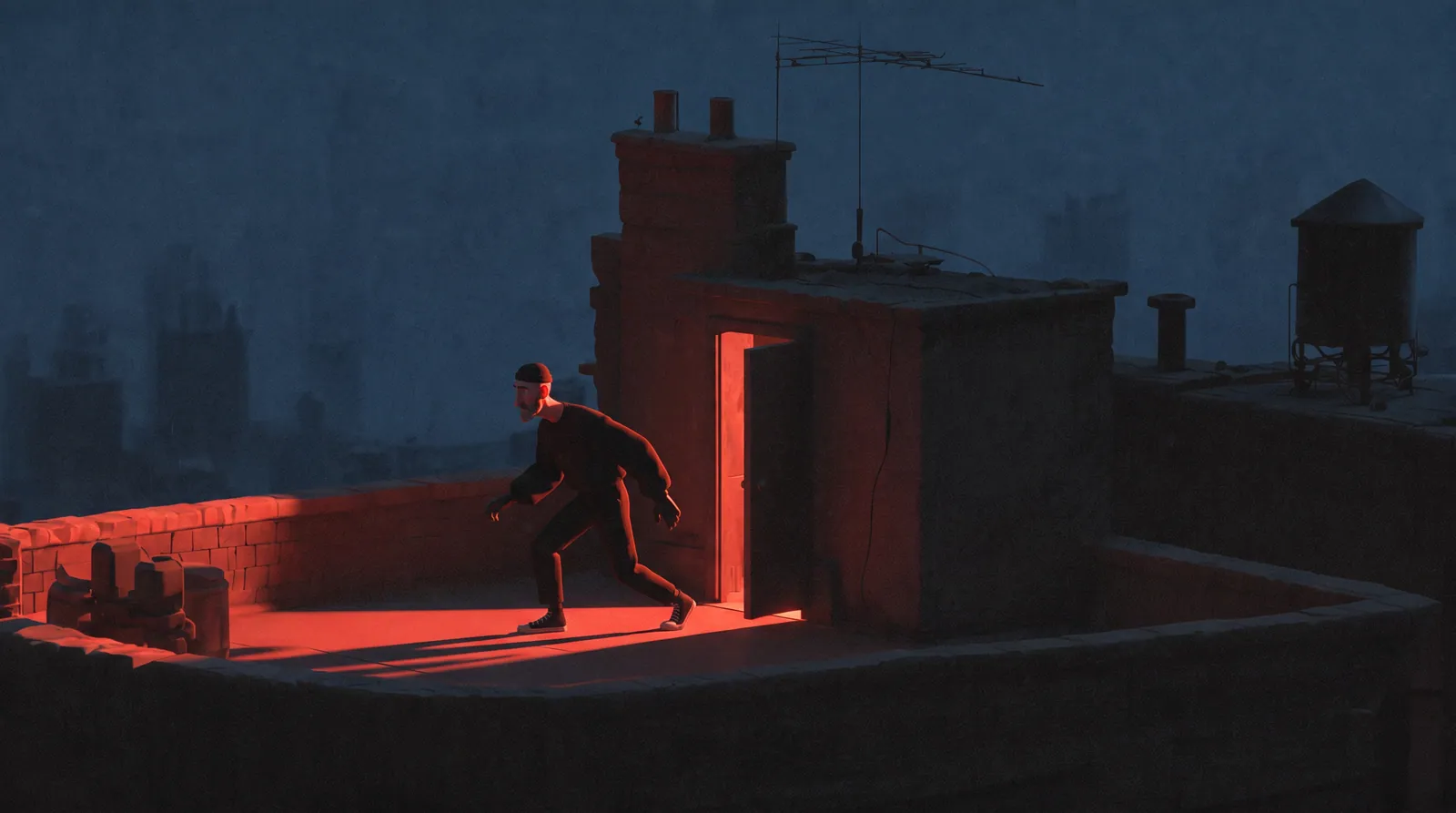
Hold State stays at the center while the tools around it change.
The tools change. Your project stays.
Use different tools for different parts of the job. Hold State keeps the work and project history connected as you move between them.
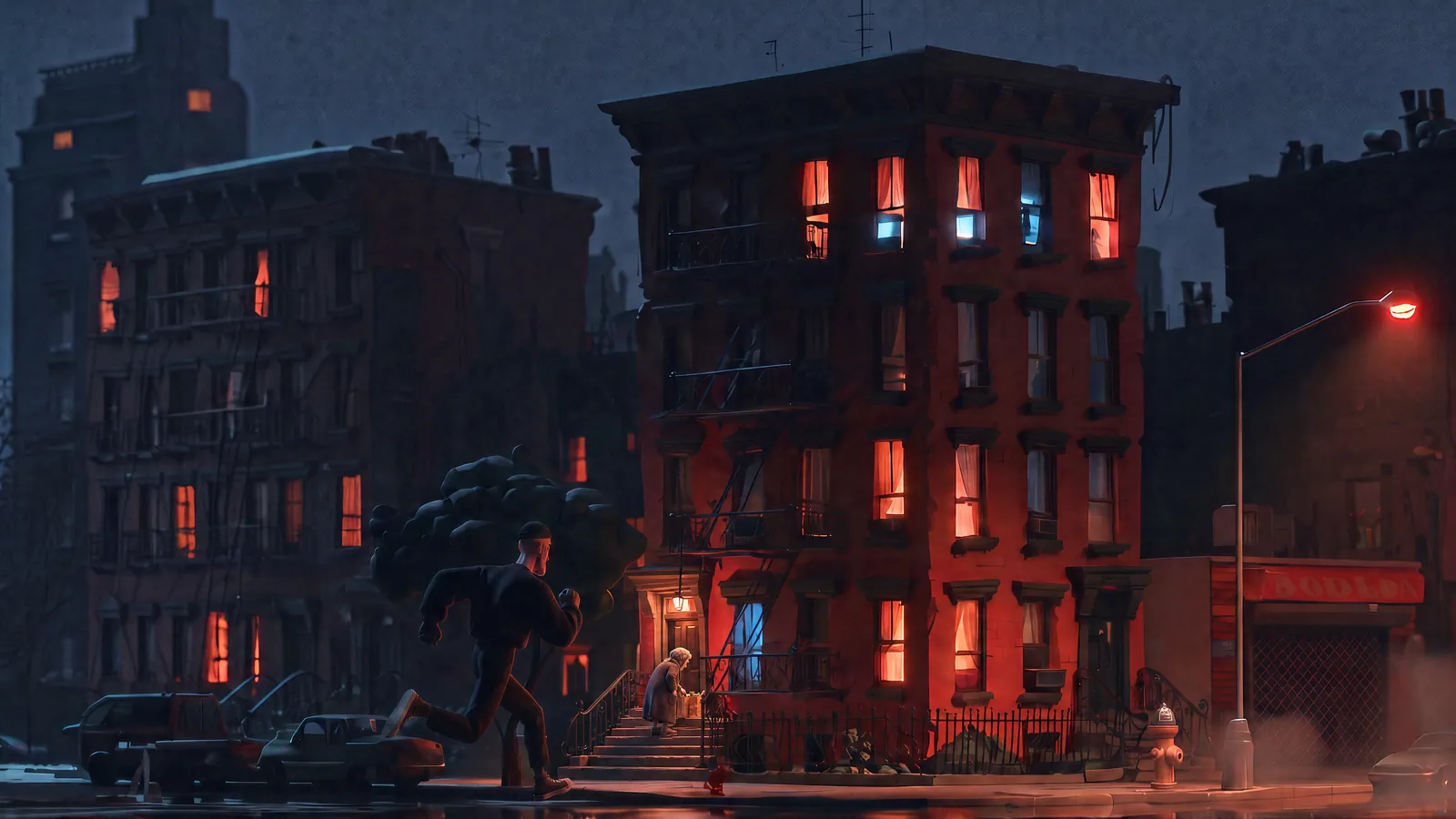
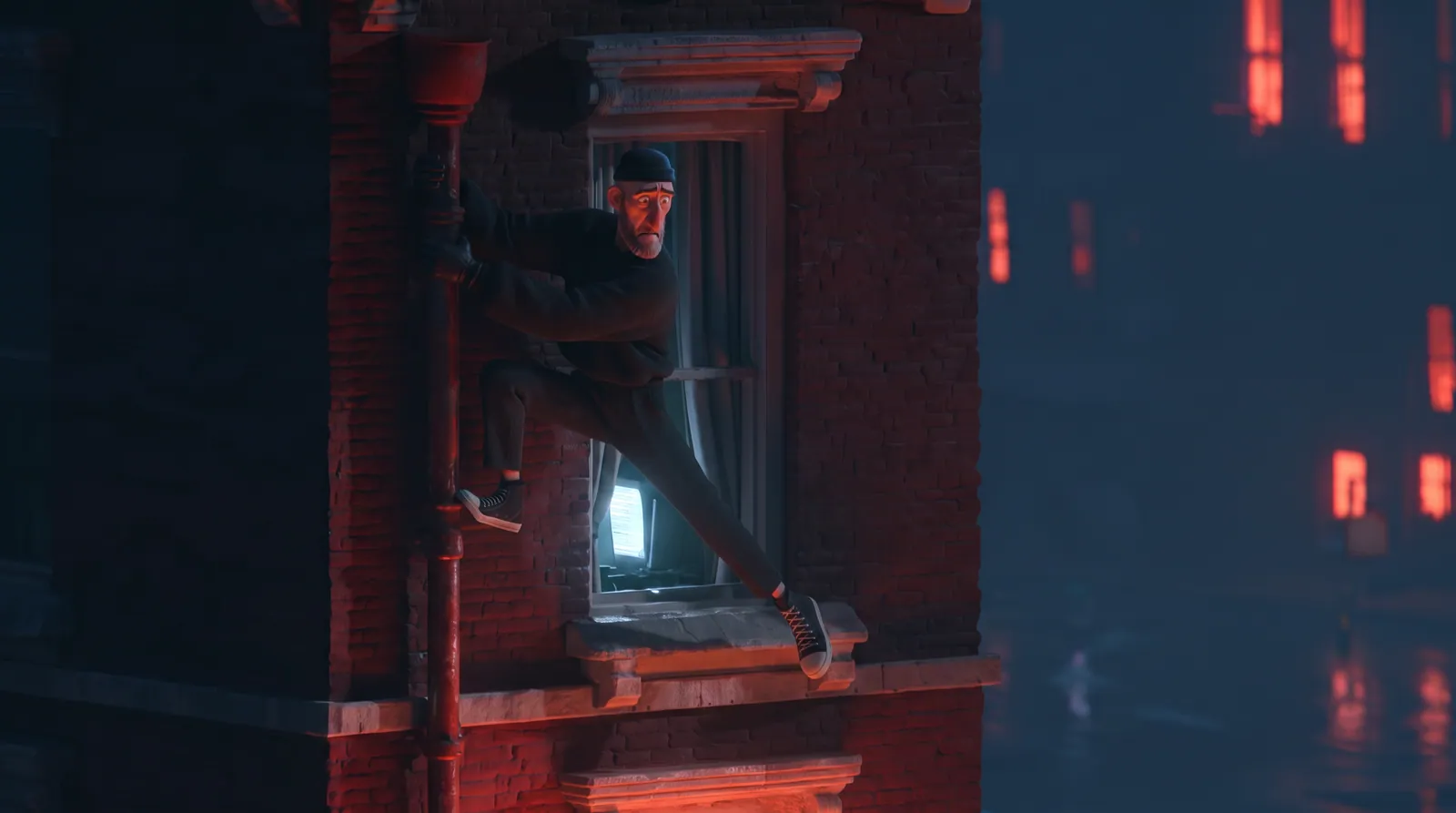
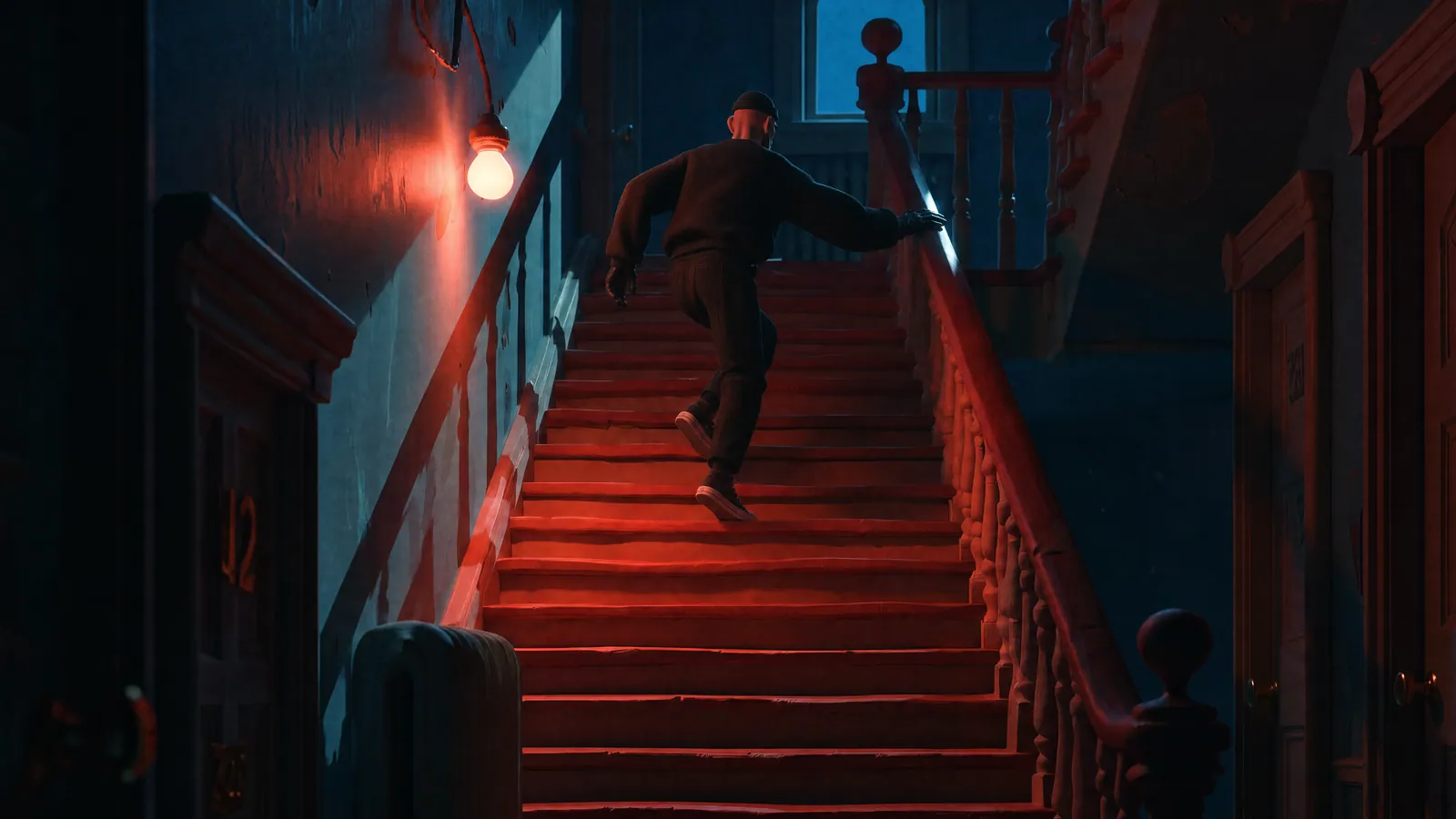

 HOLD
HOLD HOLD
HOLD HOLD
HOLD MAYBE
MAYBE HOLD
HOLD PASS
PASS HOLD
HOLD MAYBE
MAYBE MAYBE
MAYBE HOLD
HOLD HOLD
HOLD HOLDHOLD
AI projects get messy fast.
Prompts live in chats. Files land in Downloads. References sit somewhere else. Versions multiply.
Hold State brings those pieces back into the project they belong to.
COVER · HOLDCOVER · HOLDUltra close-up product photography. Glossy white rounded tec…
Group every iteration into a Stack.
A Stack keeps related Takes, prompts, references and notes together.
Open it to see the full exploration. Collapse it when you want the Board clean.
COVER · HOLDHOLDHOLDMAYBECOVER · HOLDHOLDMAYBEPASSCove’s Board after that Tuesday. Each direction is a Stack now, and any of them reopens to the Take you left on.
See the full history behind each Take.
Review what came before, which prompt made each version, what changed and which direction moved forward.
Hold, Maybe and Pass keep the exploration easy to read.
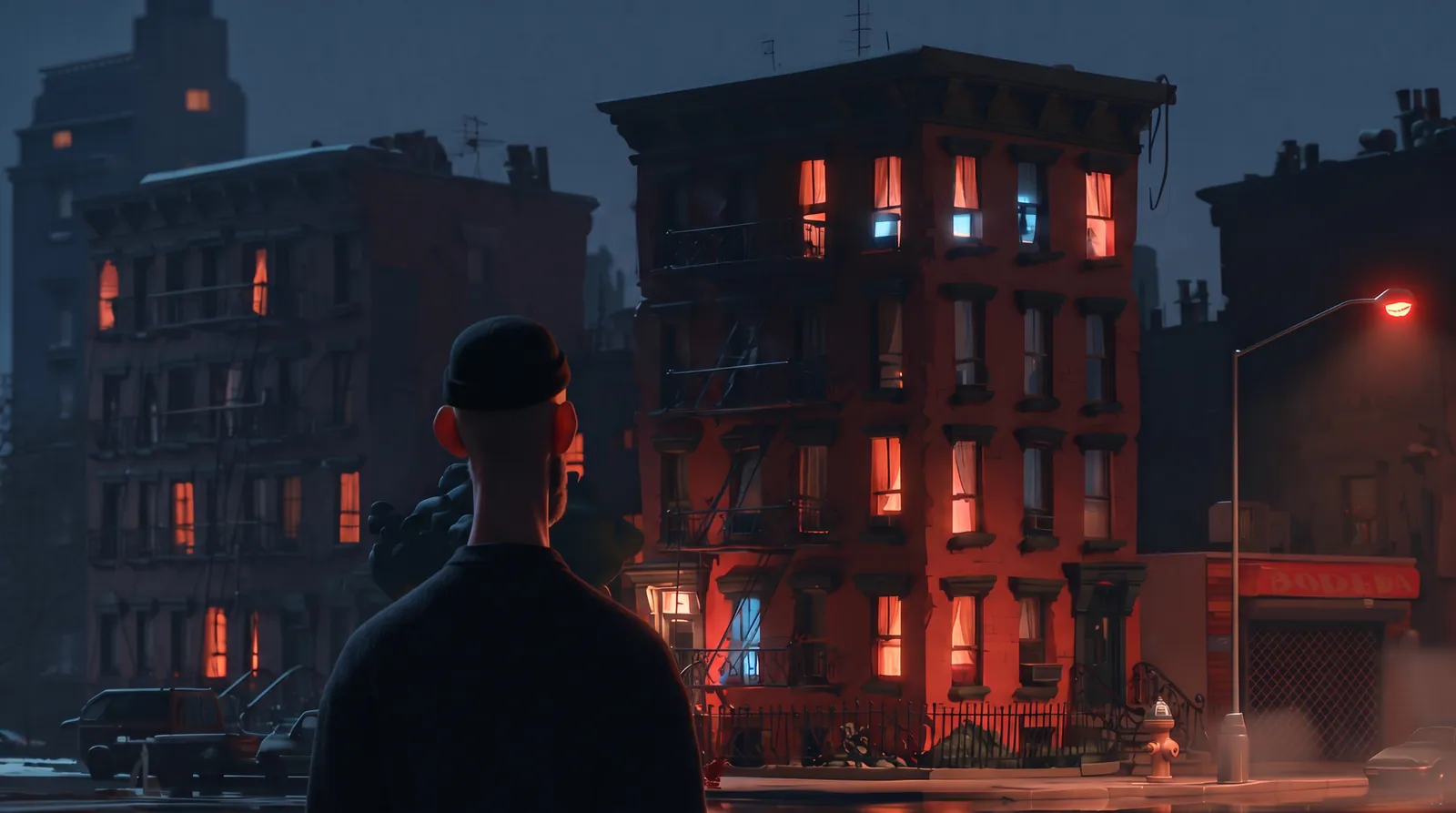
Image 1 is the base; preserve everything exactly: camera, Danny's head and shoulders in the foreground, the building, streetlight, bodega. Add the old woman from Image 2, identity only, walking up the stoop.
TAKE 1TAKE 2 · COVERImage 1 is the base; preserve everything exactly: camera, Danny's head and shoulders in the foreground, the building, streetlight, bodega. Add the old woman from Image 2, identity only, walking up the stoop.
Build the project Canon as you make decisions.
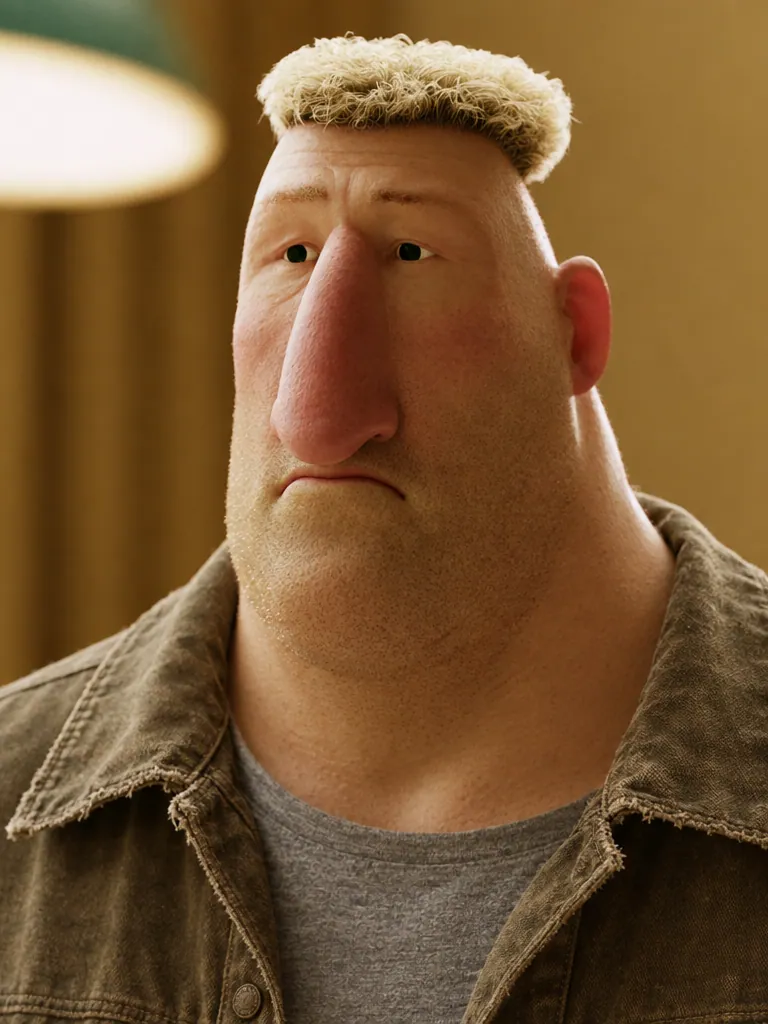
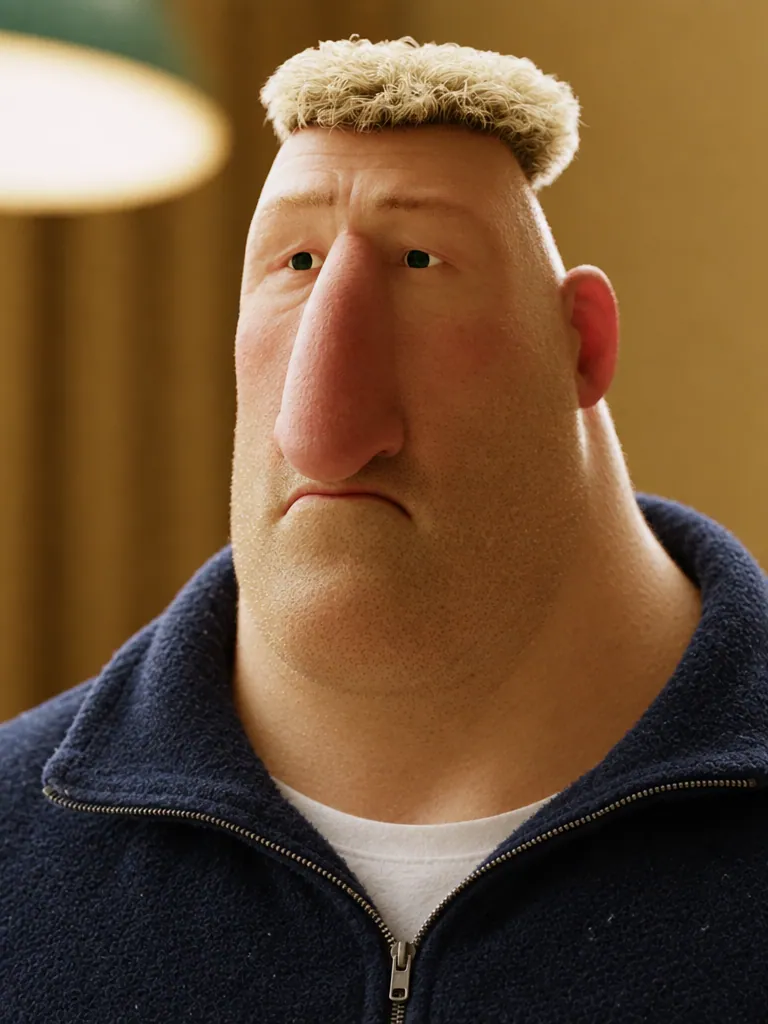

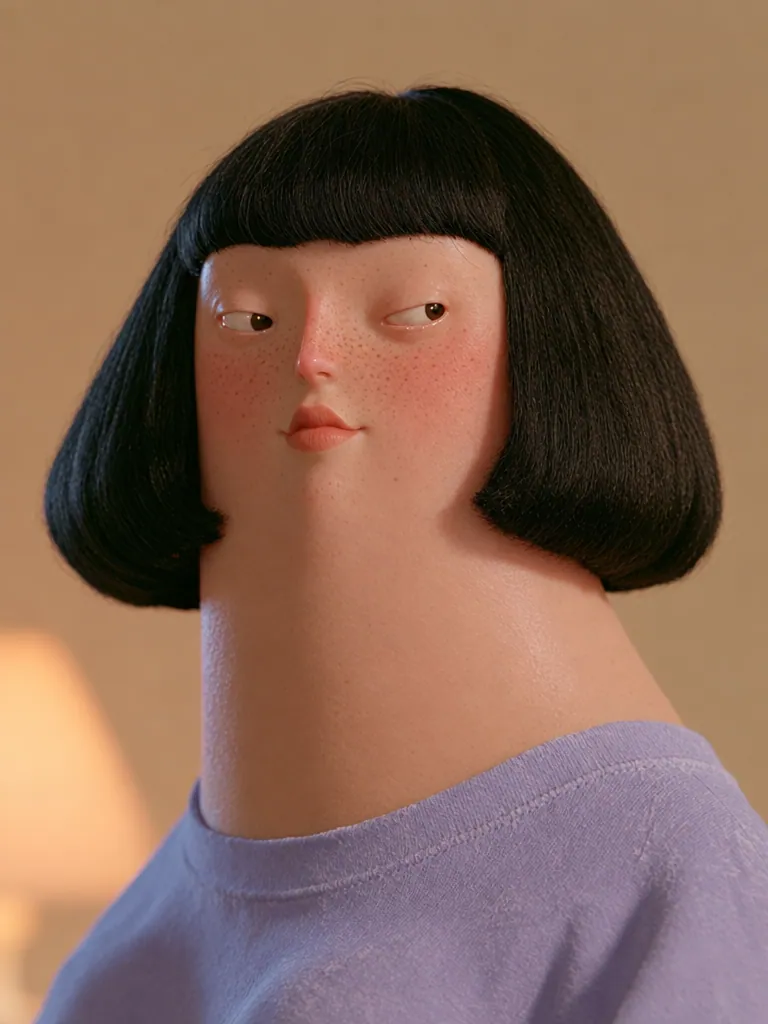

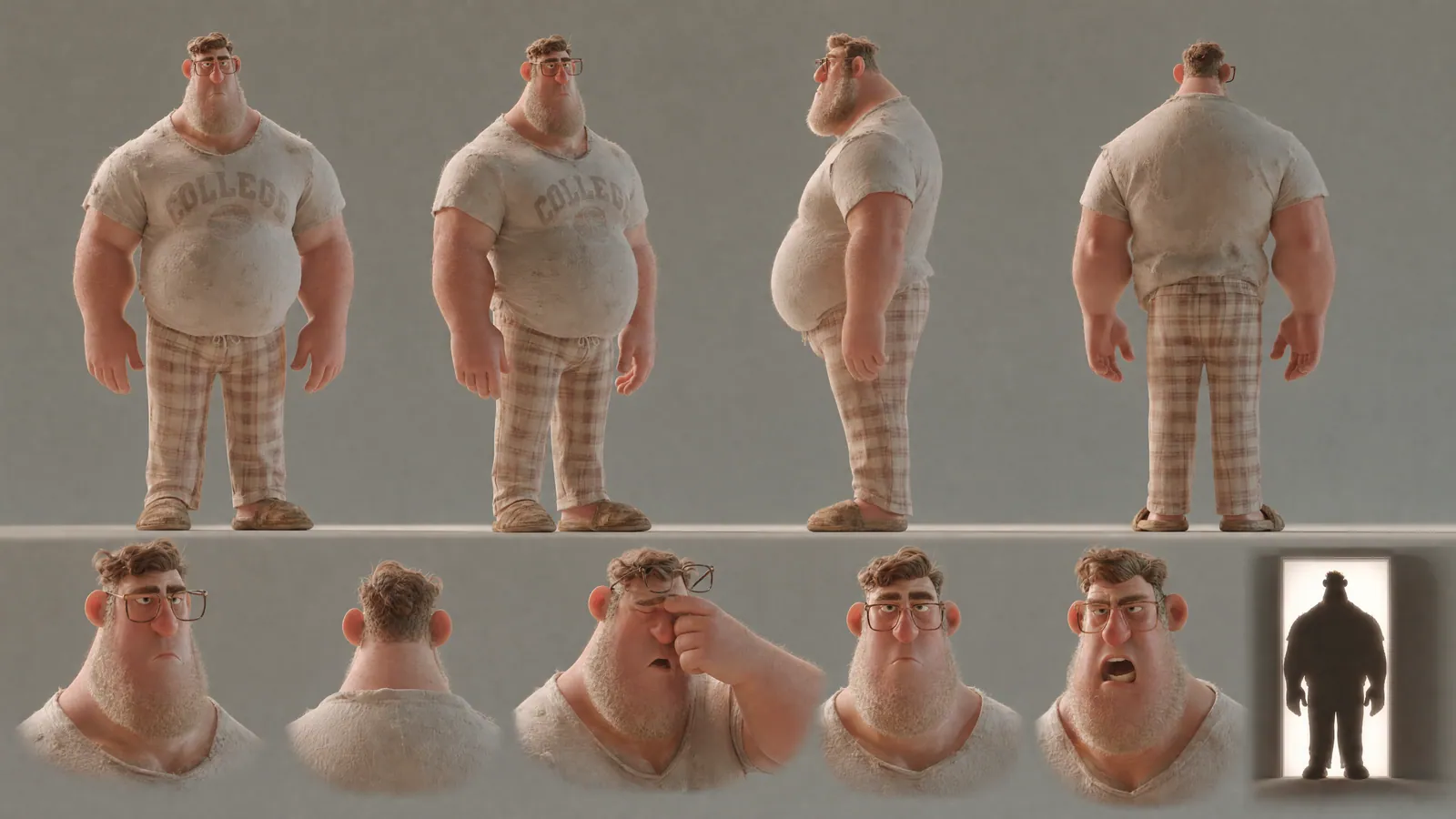
- No chin, no jaw: face slopes straight into a long, thick neck
- Thin silver rectangular wire-rim glasses
- Navy quarter-zip fleece over a white t-shirt
- Expression default: patient neutral…

Build the project Canon as you make decisions.
Add approved characters, environments, style decisions and other key choices to Canon.
Canon becomes the project reference everyone can work from, and every entry stays linked to the Take it came from.
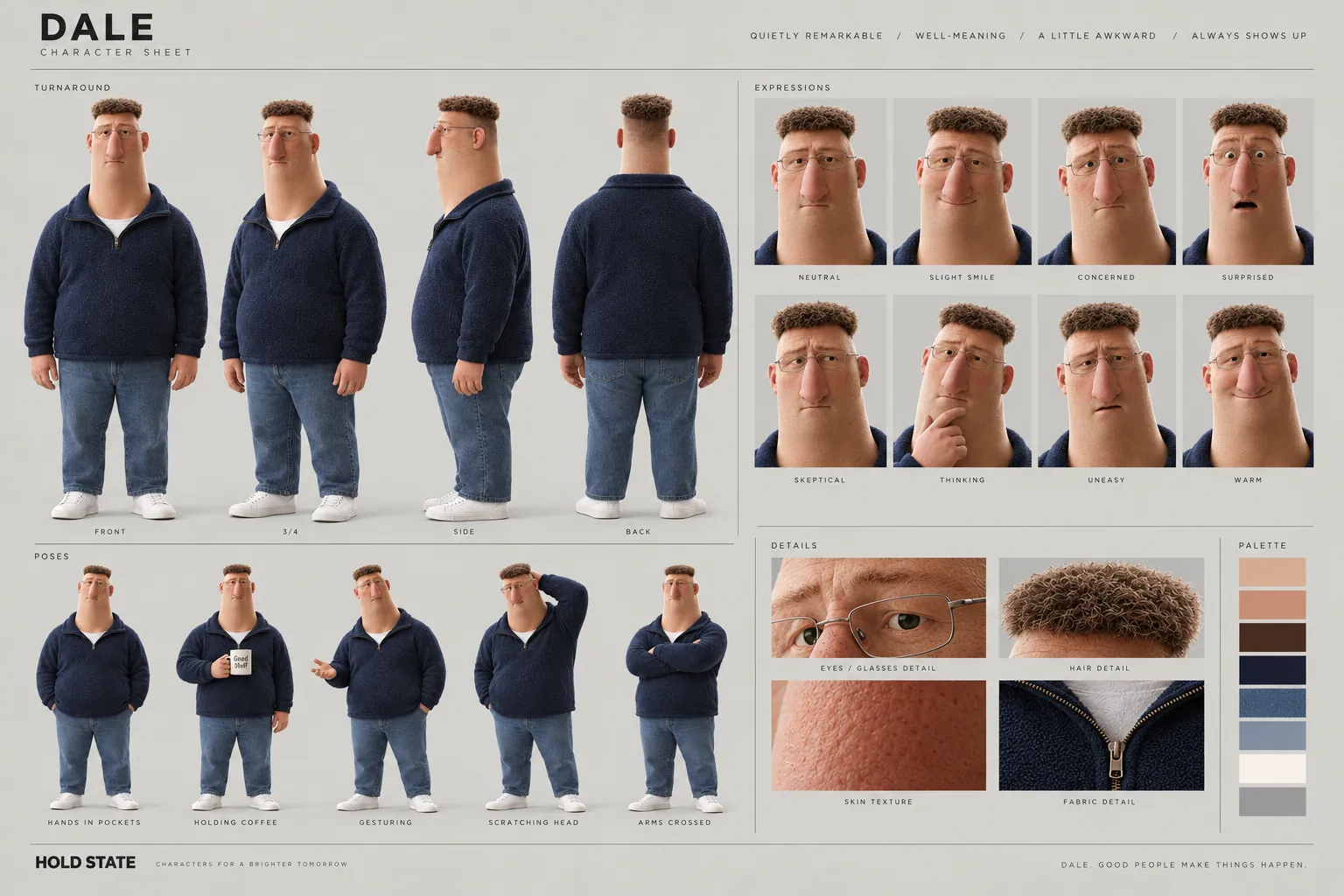 DALE
DALE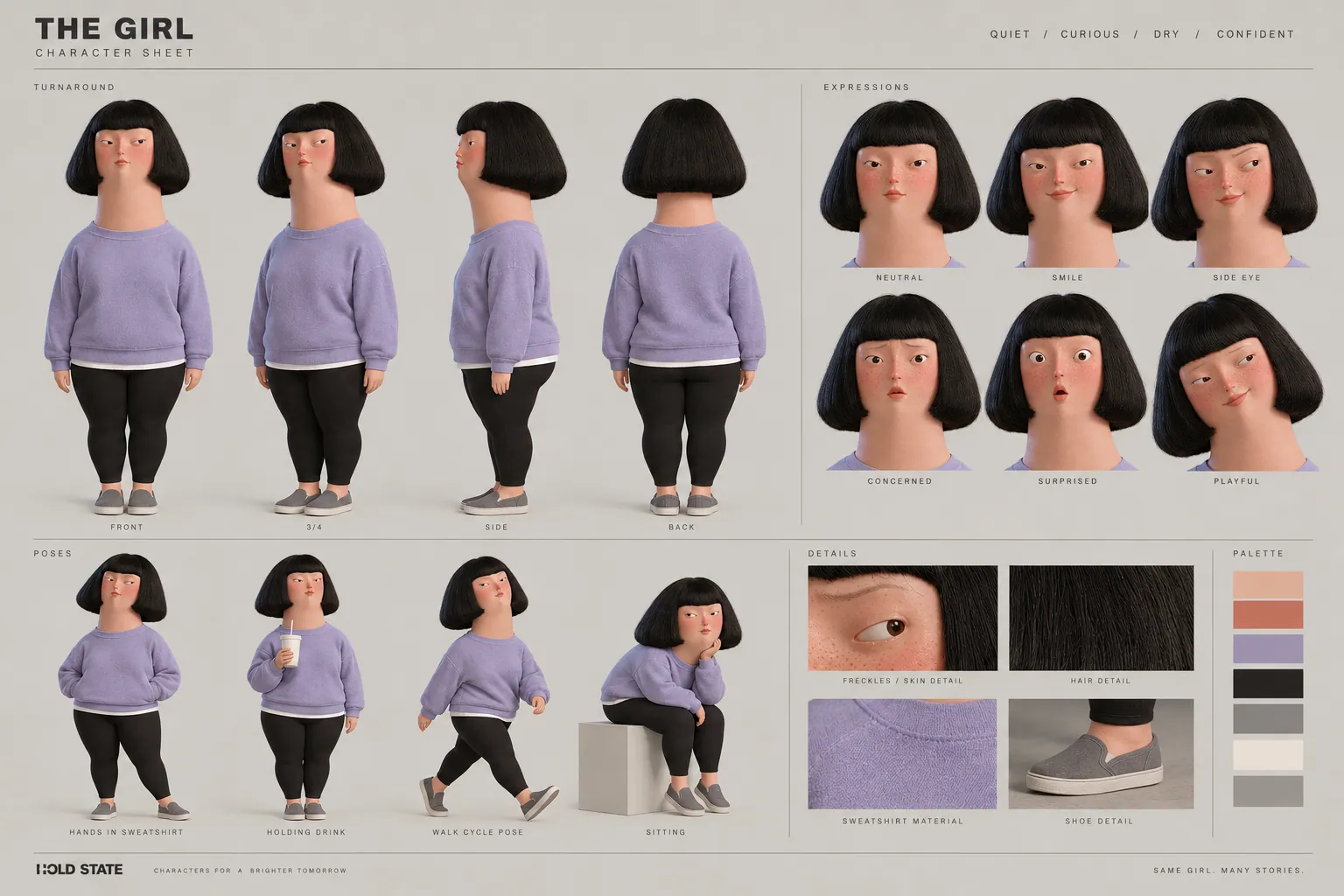 JUNE
JUNE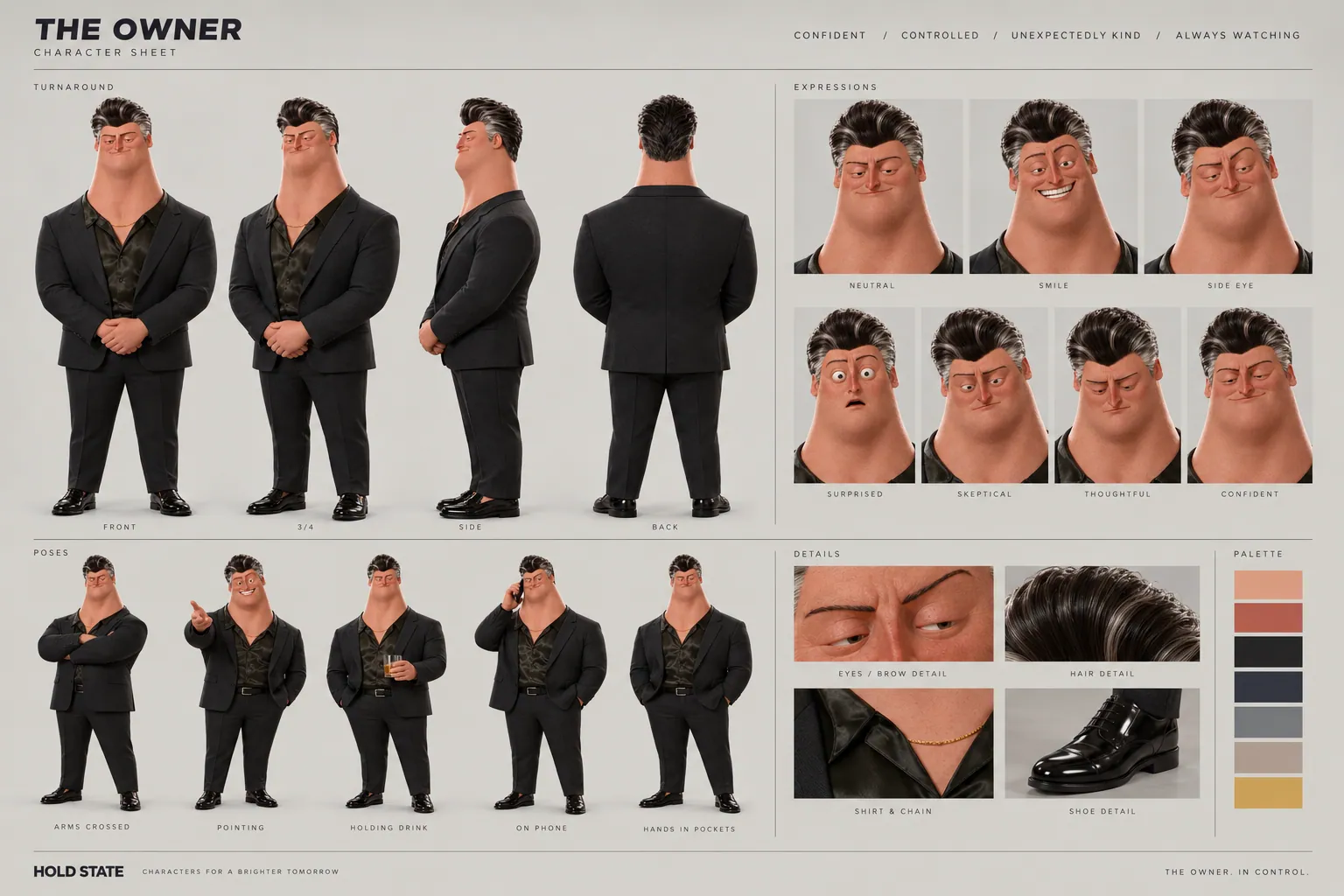 THE OWNER
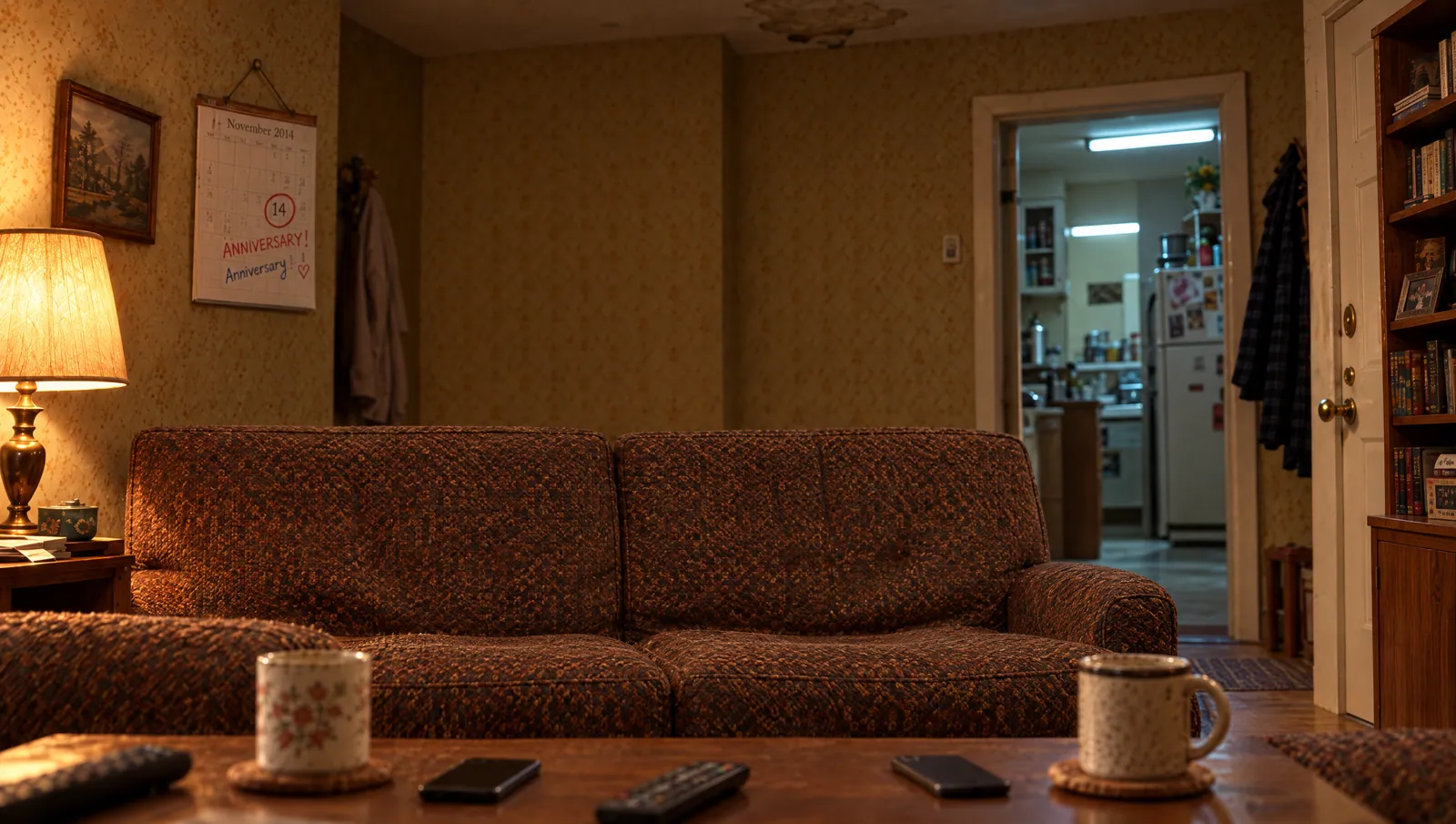 Living room
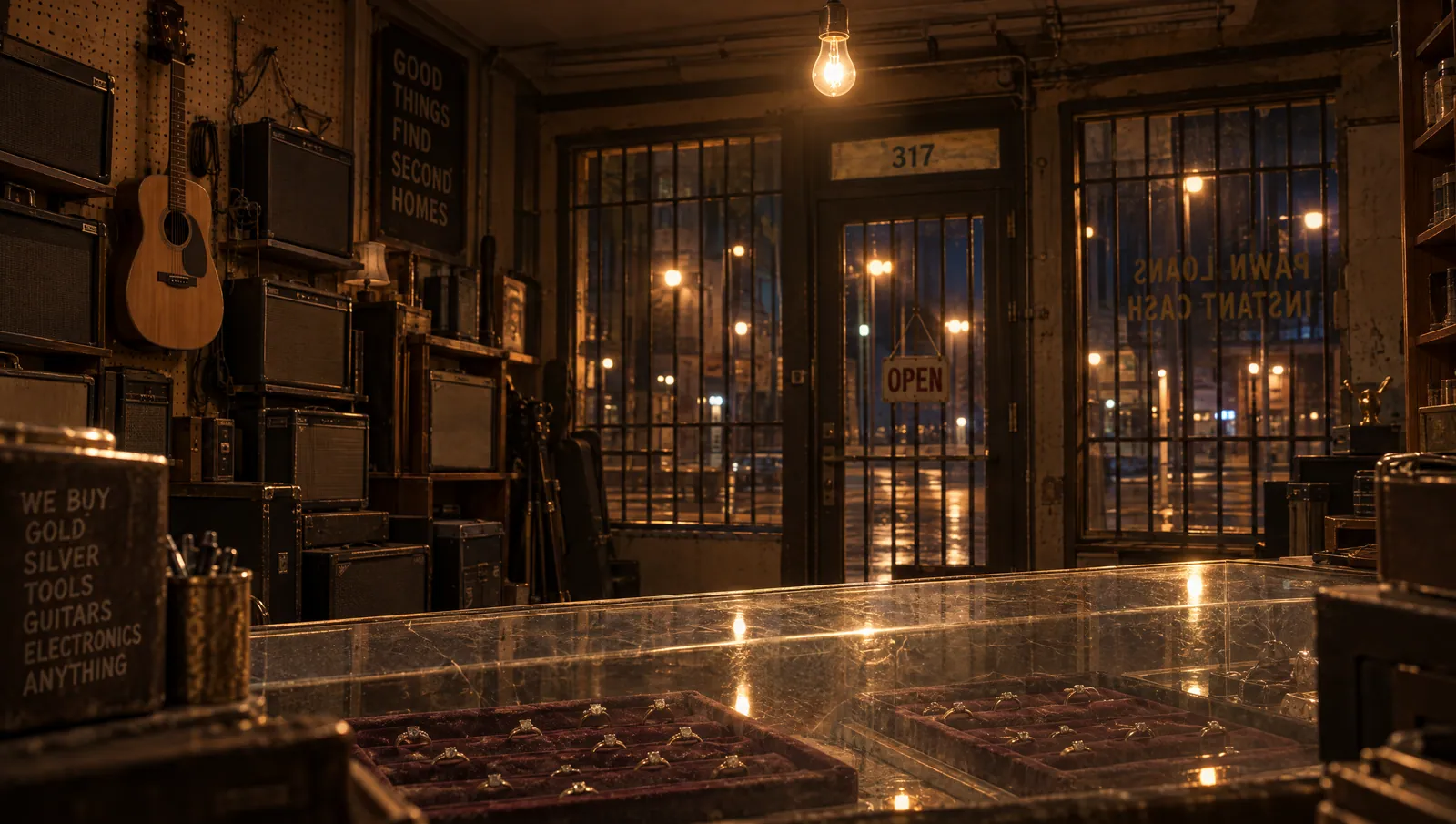 Pawn shop
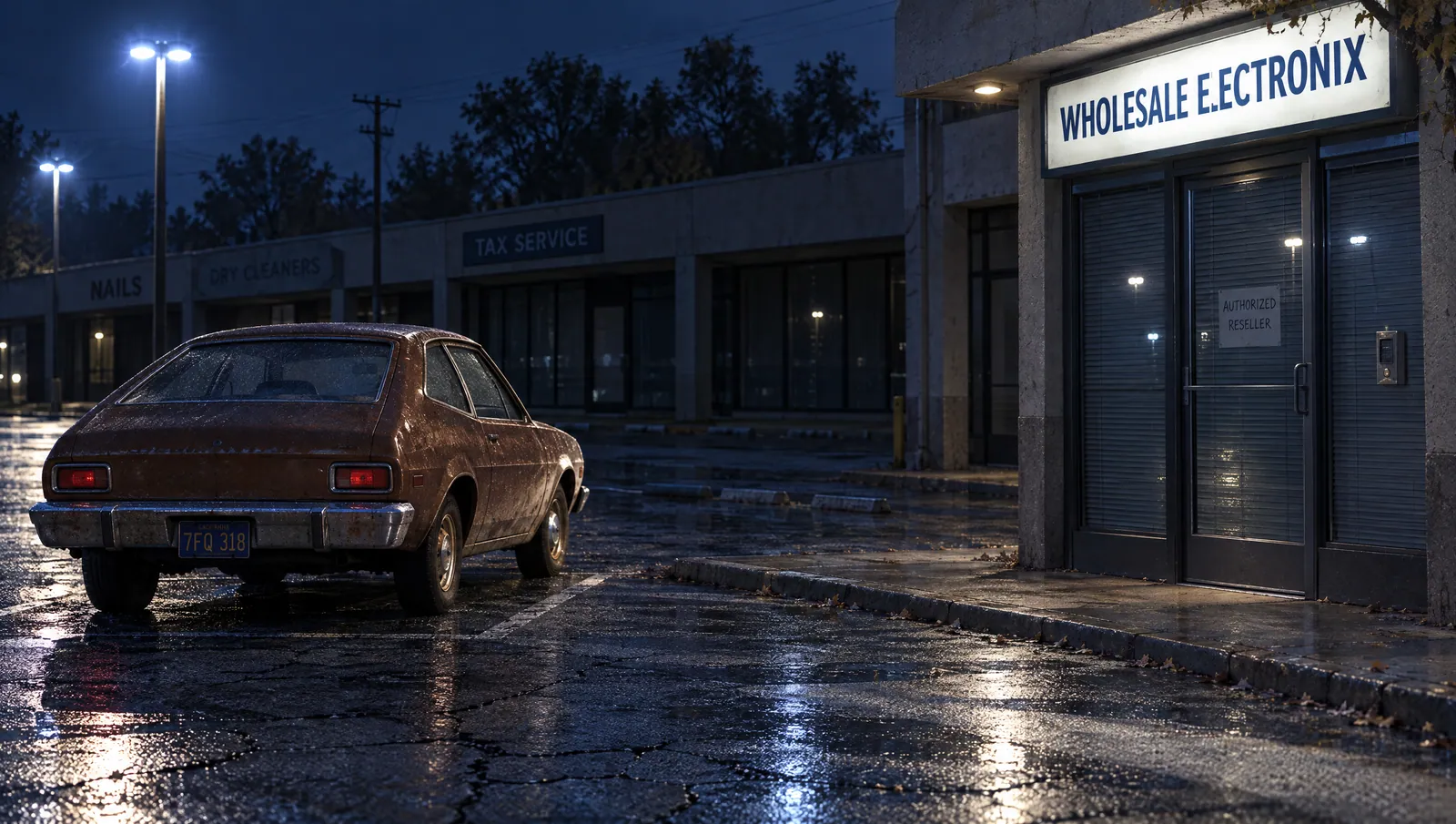 Strip mall
 Pier yard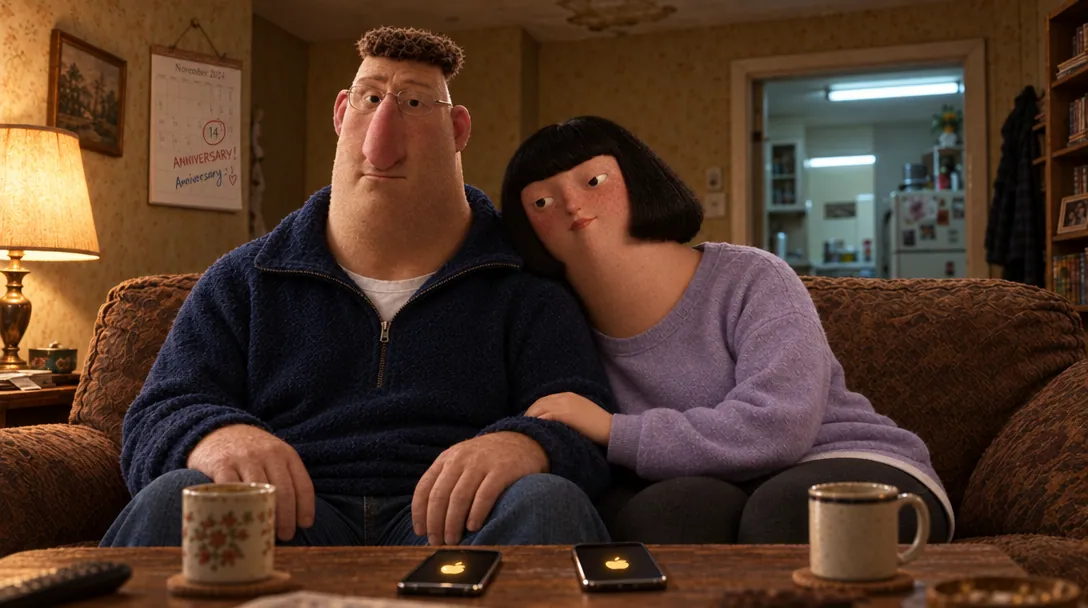
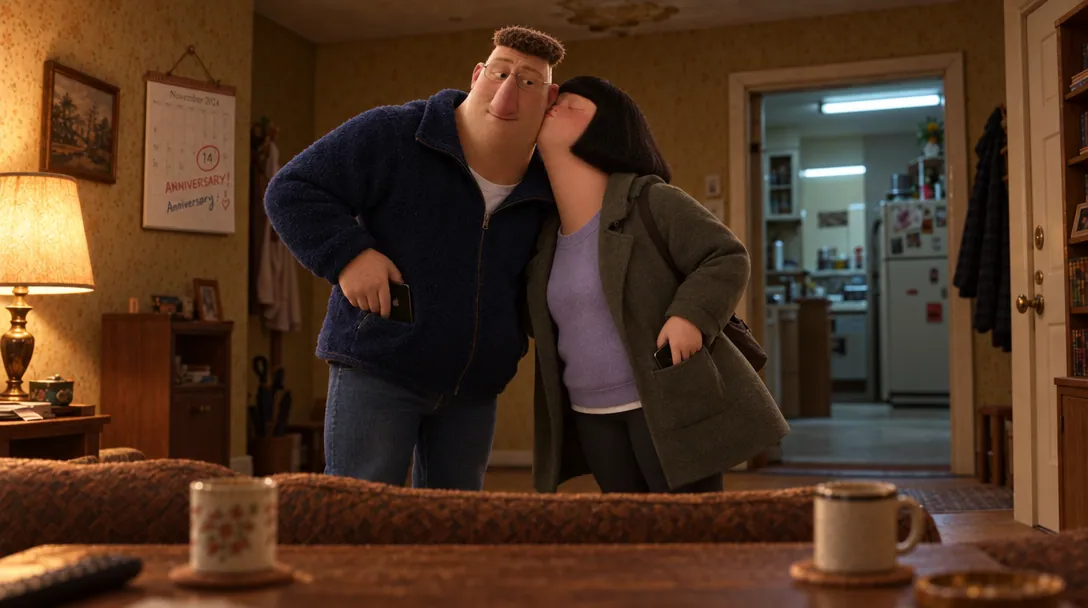
Claude can read the project through Hold State.
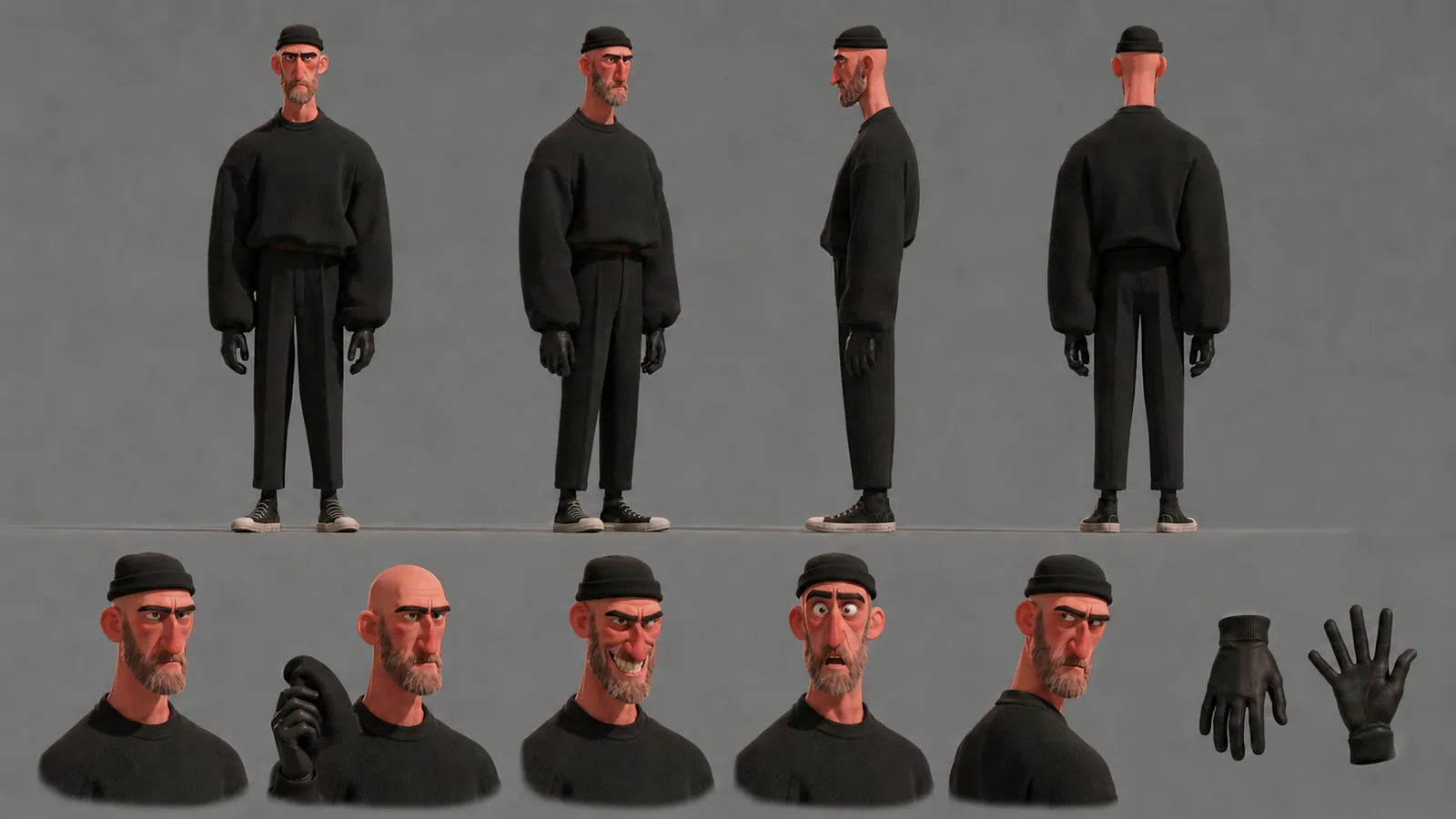
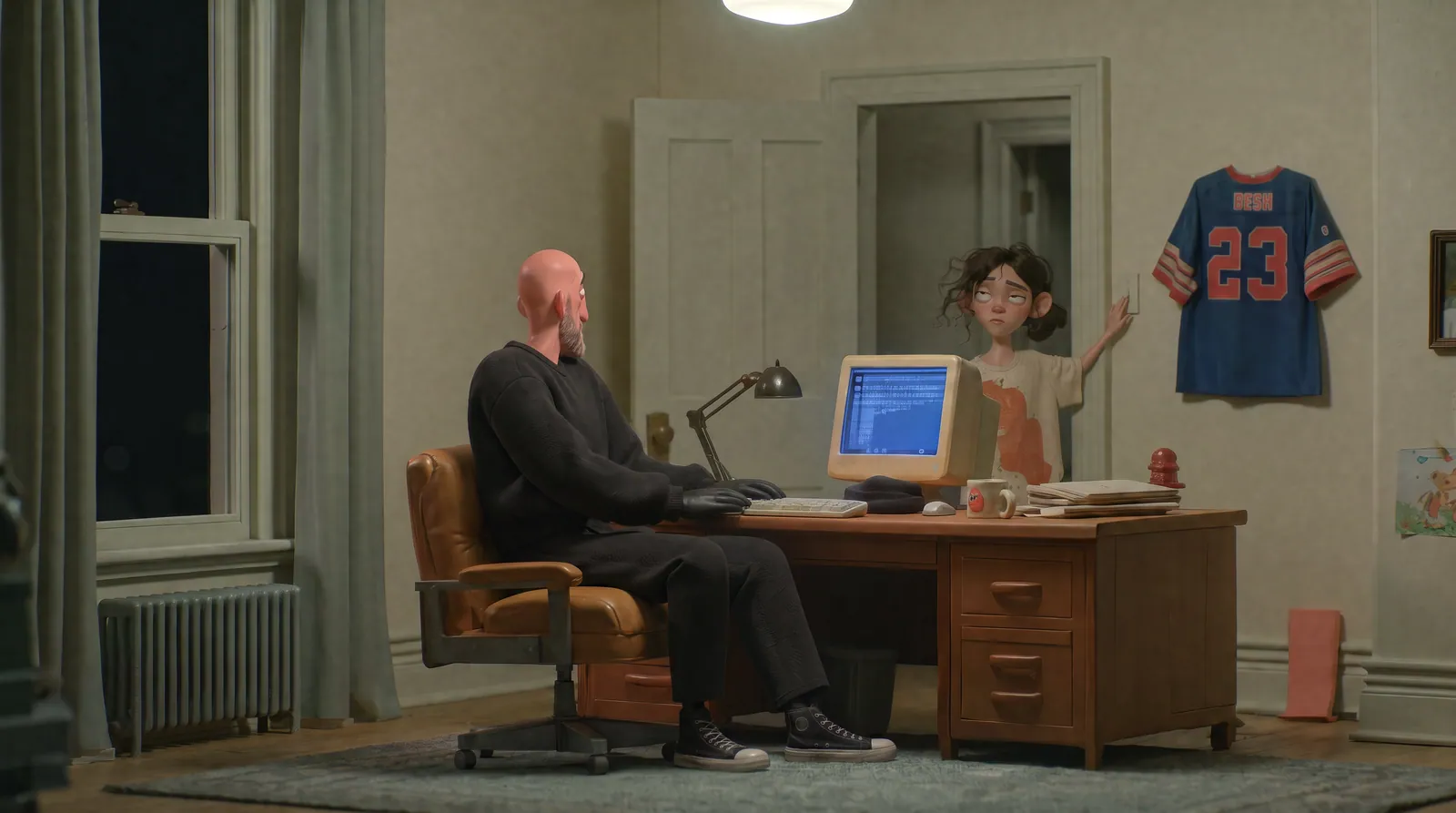
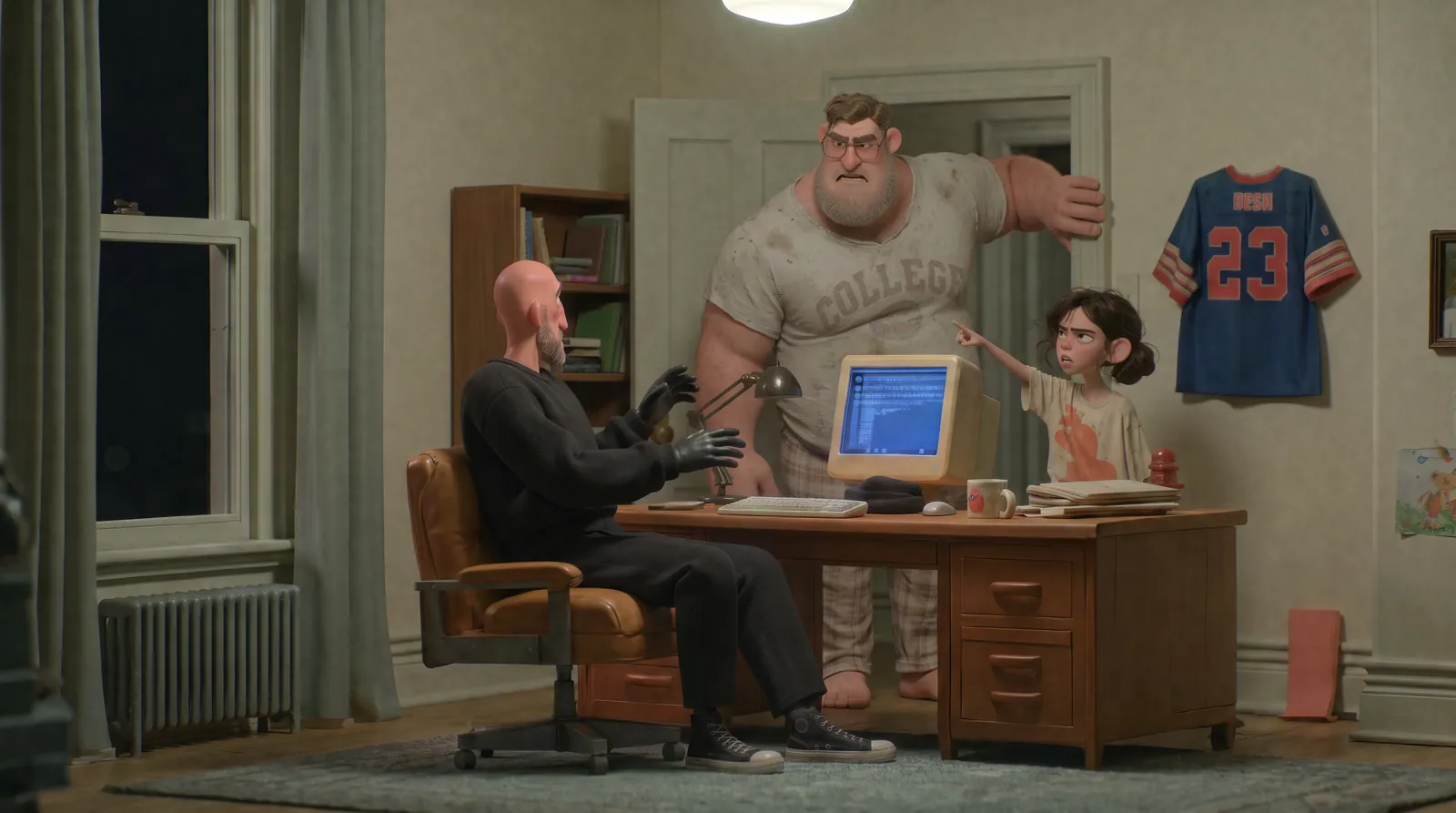
Two changes stuck. On the character sheet you took out every bit of hair under the beanie, so with it off he’s completely bald, and that’s locked in Canon. Then in the storyboard you made him thinner: the SH100 prompt asks for narrow shoulders and skinny arms and legs to match the sheet.
Everything else held from the first sheet to the last frame: head-to-toe black, the tight beanie, the gloves.
Connect Claude to Hold State through MCP.
Connect Claude through MCP and let it inspect the project structure, including Boards, Stacks, Takes, prompts and Canon.
Ask about the project without rebuilding the context every time.
CANON · DANNYSH010 · TAKE 1 SH150 · FINAL
Two changes stuck. On the character sheet you took out every bit of hair under the beanie, so with it off he’s completely bald, and that’s locked in Canon. Then in the storyboard you made him thinner: the SH100 prompt asks for narrow shoulders and skinny arms and legs to match the sheet.
Everything else held from the first sheet to the last frame: head-to-toe black, the tight beanie, the gloves.
Connect Claude to Hold State through MCP.
Your library lives on your Mac.
Hold State is the local hub between your files, generation tools and AI assistant.
Keep working in external tools, generate inside Hold State when useful, and choose what gets shared.
Use the AI subscriptions you actually want.
Keep the tools that are useful. Drop the ones that are not. Change models whenever something better comes along.
The work still comes back to Hold State.
Keep the final Deliverable connected to the work that made it.
Record what shipped and keep the selected Takes, Canon, Stacks and project history behind it.
The final output stays connected to the process.
Share the project with the context intact.
DaleJuneThe OwnerLiving roomPawn shopStrip mallPier yardShare the work together with the decisions, versions and project history behind it.
Everyone sees the same project instead of another folder of loose files.
Keep your next project together.
$99 one time. Twelve months of updates included, and the app keeps working after that. Already sure? Buy now.
Going with the hair slicked back, mafioso/used car salesman style character.